
Change Your Password in Captura Workflow
Edited
Learn how to reset your password for Captura Workflow in a few easy steps!
I've forgot my password
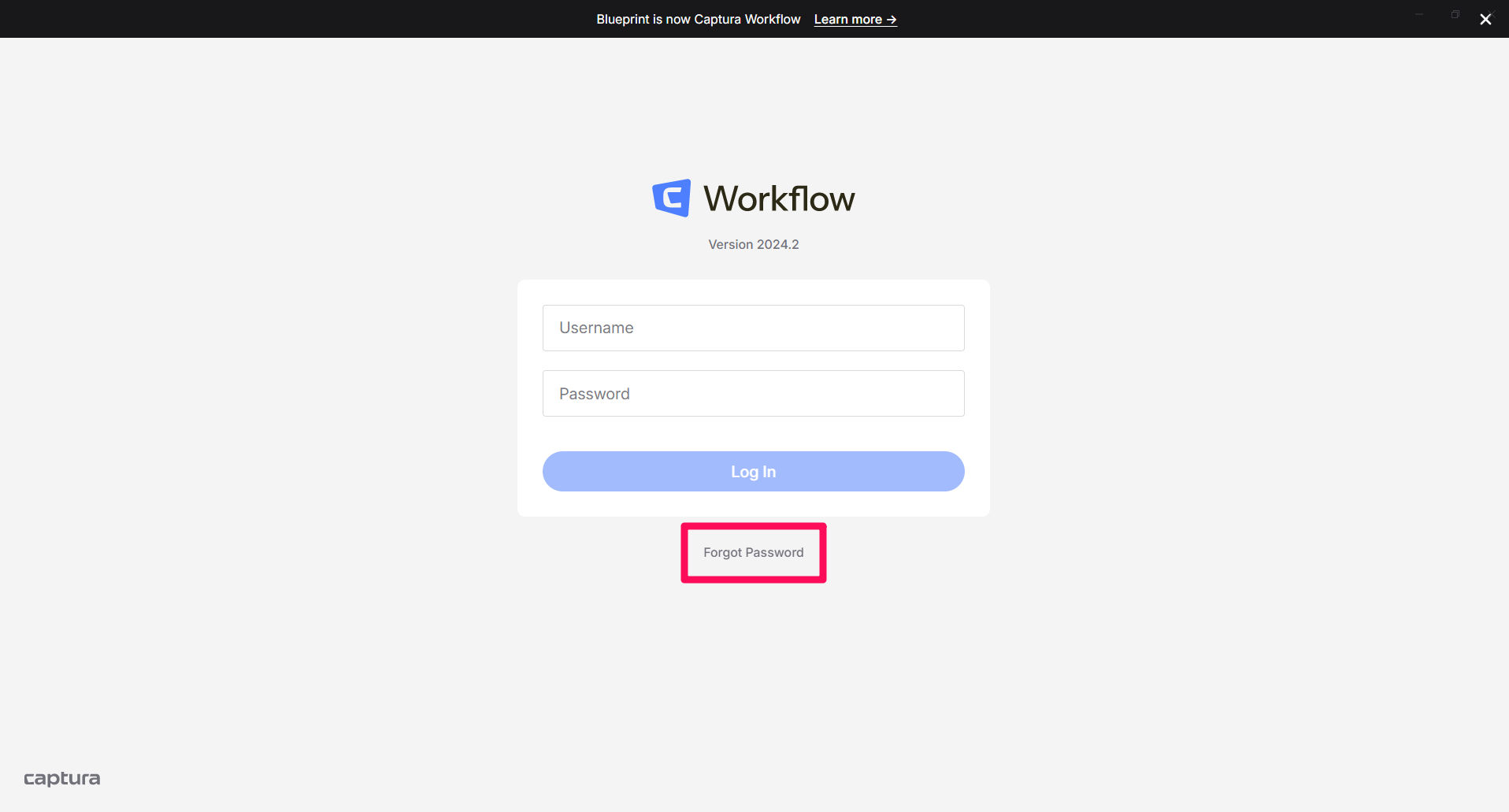
On the login screen select Forgot Password:
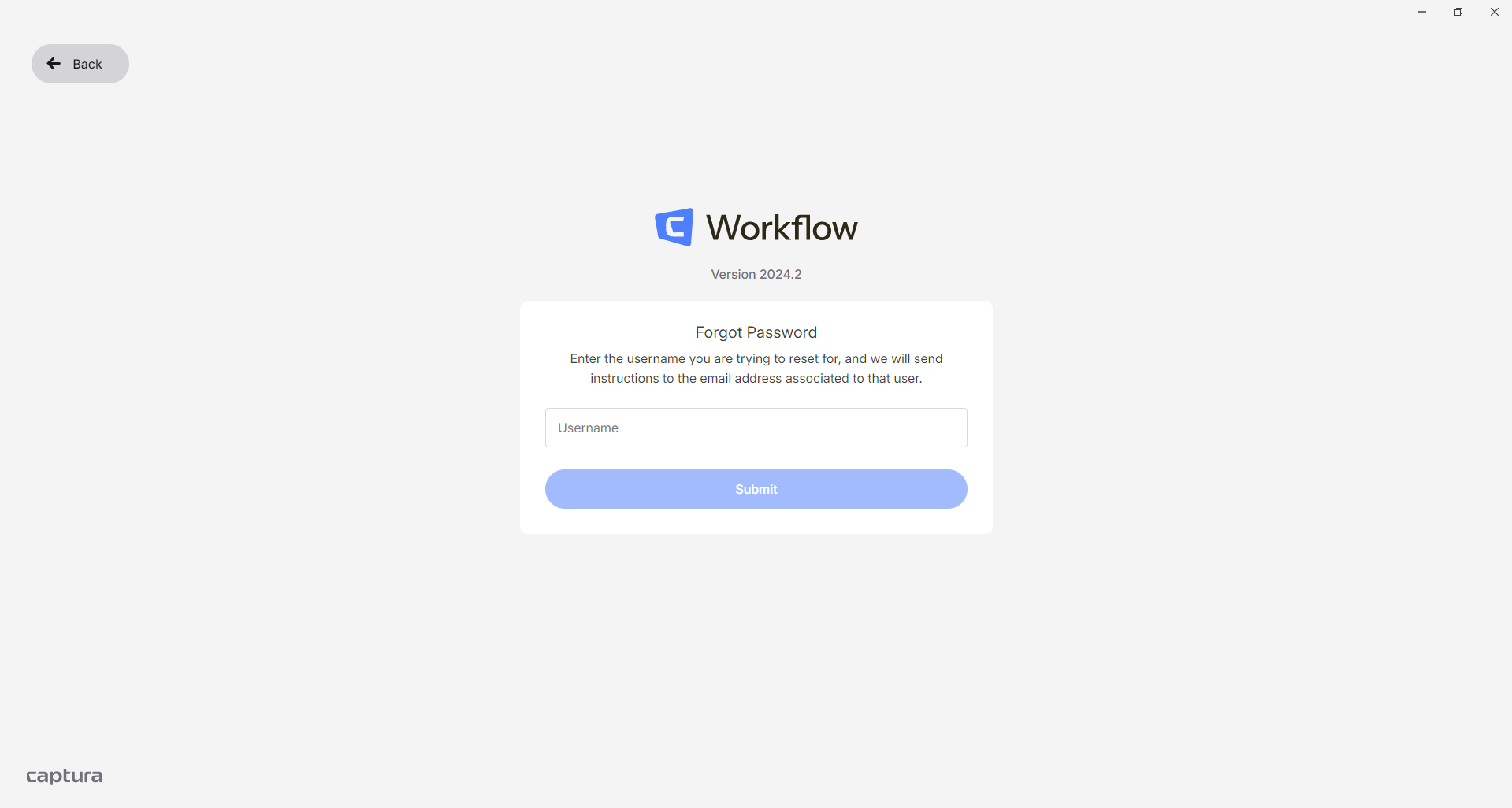
You'll need to provide your username to proceed:
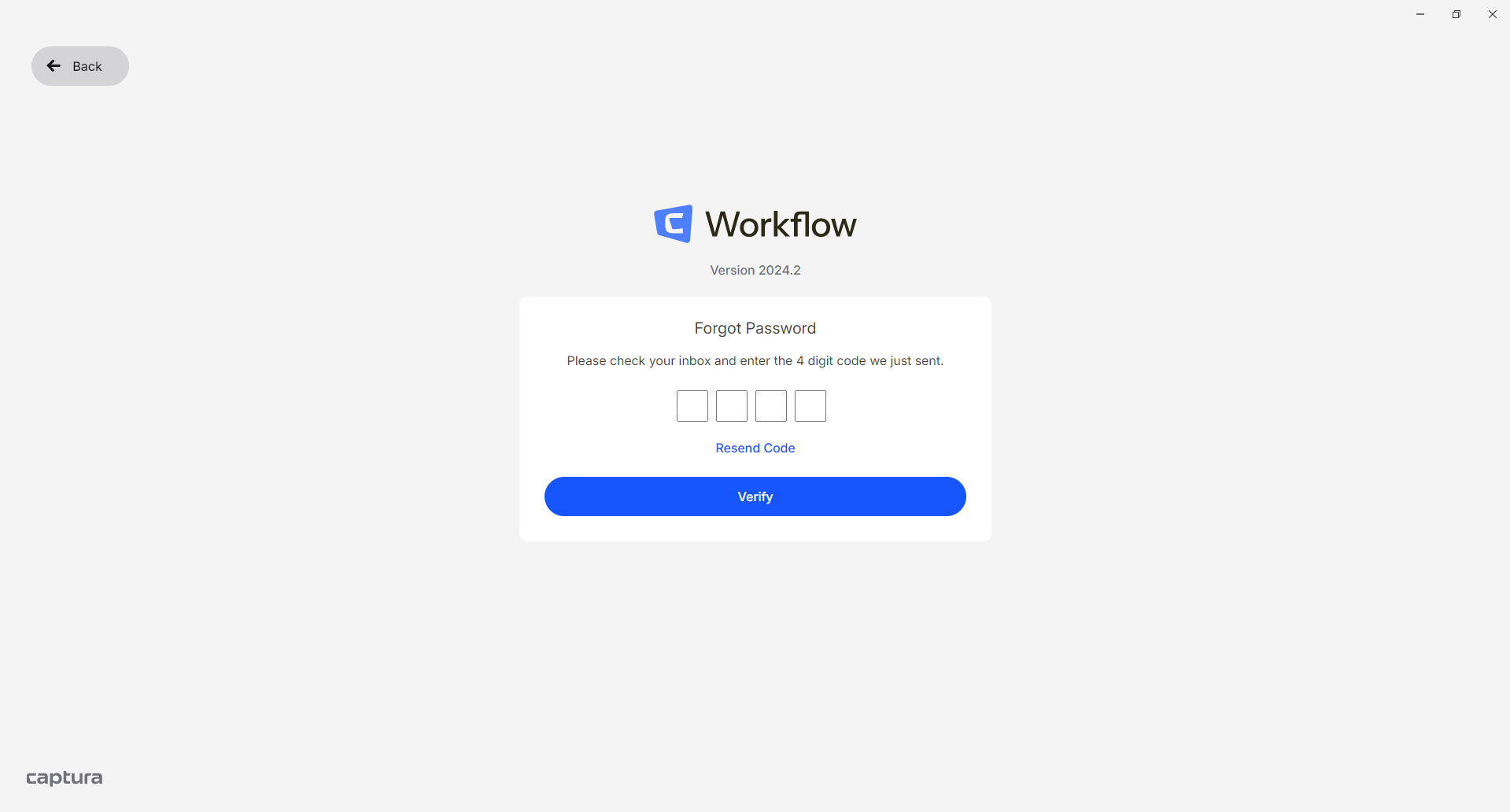
We'll send an email with a four-digit code to the email address tied to username.
❗ Reach out to your direct manager for assistance if:
You've forgotten your username.
You're not getting an email with a 4-digit code from
no-reply@imagequix.com
Enter the four-digit code you received via email to change your password:
I know my password and want it updated
In Captura Workflow, open Preferences → Users and select your user account:
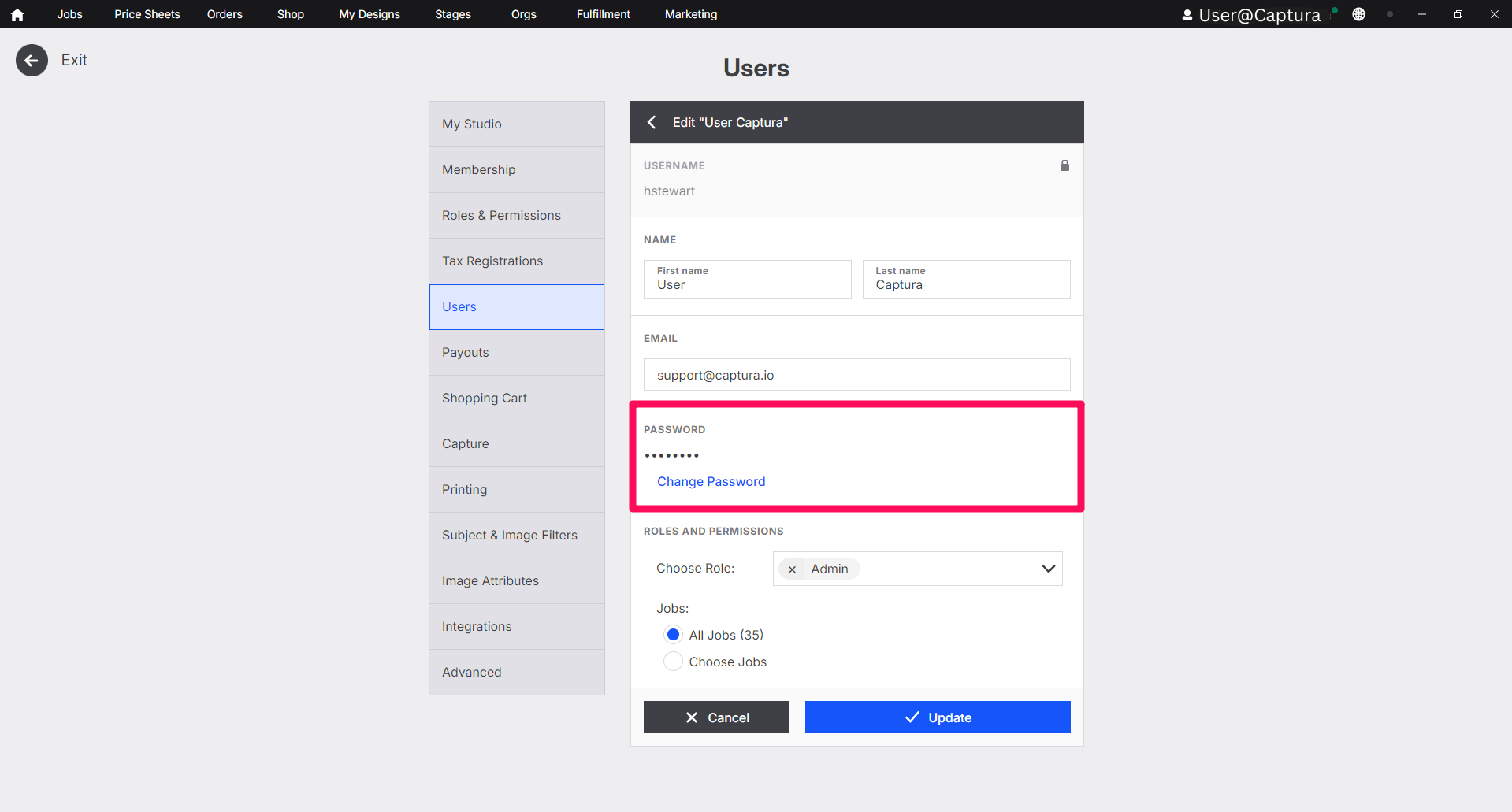
Select Change Password, then enter your current and new password to update it.